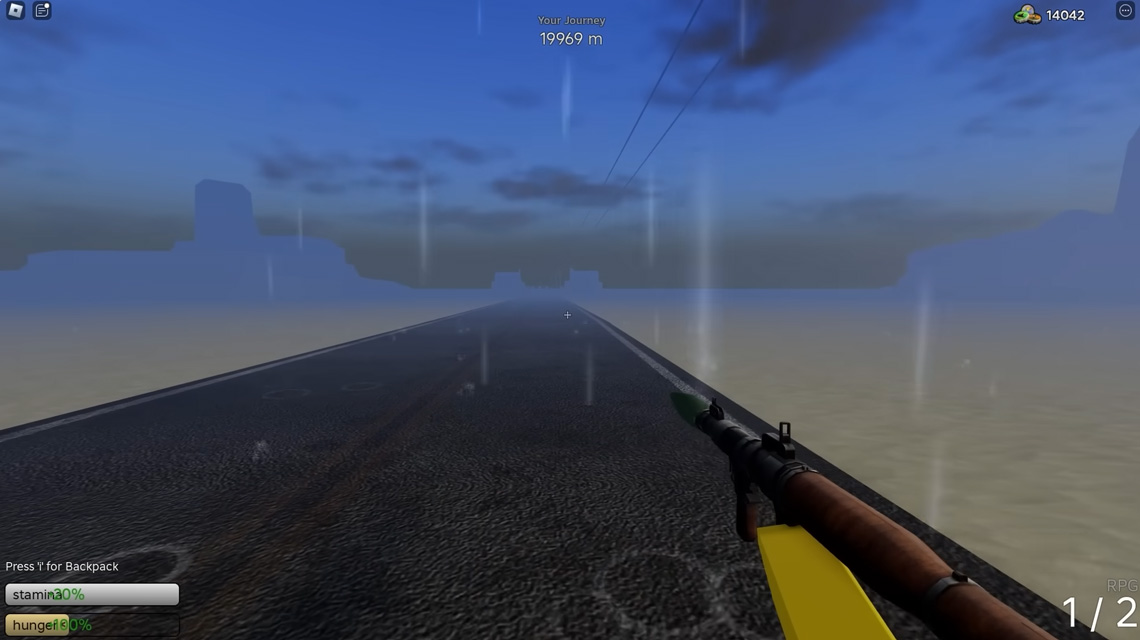
This PC controls guide lists the default keybinds for essential actions in Dusty Trip. Note that some actions vary by context, like driving or interacting with objects.
- WASD: Movement
- W/S: Accelerate/Brake in vehicle
- LMB: Grab/Use object
- Mouse Movement/Dragging: Move or manipulate object in hand
- RMB: Adjust object in hand
- E: Enter Car
- F: Pick up object/Attach parts to vehicle
- Z: Attach item to vehicle (not for engine parts)
- V: Hide tutorial (irreversible)
- CTRL: Crouch/Stand
- SHIFT: Sprint (requires stamina)
- I: Place/open backpack (needs valid area)
- Q: Zoom view
- R (In Car): Ignition
At its core, “A Dusty Trip” is an adventure game that combines elements of exploration, puzzle-solving, and survival. Players begin their journey with minimal resources, and as they traverse the desert, they must gather supplies, find shelter, and avoid the dangers that lurk within the sands. The game cleverly integrates survival mechanics, requiring players to manage their hydration and exhaustion levels, adding a layer of realism and urgency to the experience.
One of the most compelling aspects of “A Dusty Trip” is its puzzle-solving element. Throughout the desert, ancient ruins and mysterious artifacts hint at a civilization long gone. Players must decipher clues, solve puzzles, and unlock secrets to progress in the game. These challenges are thoughtfully designed, requiring both creativity and logic, and they contribute to the game’s overall sense of mystery and discovery.
While “A Dusty Trip” can be enjoyed as a solo adventure, it also offers a rich multiplayer experience. Players can team up with friends or join forces with strangers to explore the desert together. This social aspect adds a new dimension to the game, as players can share resources, strategize on puzzle solutions, and support each other in survival. The sense of camaraderie and collective achievement is a powerful draw for many players, making “A Dusty Trip” a favorite among the Roblox community.